The vinyl lines in this guide press at 250°F to 330°F for 6 to 30 seconds. The right figure depends on the vinyl line, the fabric and the press. Siser EasyWeed takes 305°F for 10-15 seconds on a heat press. Cricut Everyday Iron-On takes 315°F for 30 seconds on an EasyPress 2. Use the chart for the exact line you bought.
Why do heat transfer vinyl settings differ by brand?
Each vinyl has its own film and its own heat-activated glue. The maker tunes time, temperature and pressure to that glue. Siser’s EasyWeed is a polyurethane film. Silhouette’s Smooth vinyl is polyurethane with a polyurethane hot-melt adhesive. Siser’s own lines alone run from 250°F to 320°F.
Sublimation works differently: it dyes the fabric instead of sitting on top. Sublimation vs heat transfer vinyl covers that choice. HTV isn’t the same as sticker vinyl, either; permanent vs removable vinyl explains the adhesive kind.
Does the type of press change the setting?
Yes. Each maker writes its figures for a particular kind of press:
- Siser gives heat press figures. For a Cricut EasyPress, it says to add about 30°F. EasyWeed goes from 305°F to 335°F, and the time stays the same.
- Stahls’ says its settings are written for its own Hotronix presses. Other presses may vary.
- Cricut gives a separate setting for each of its presses. In the Heat Guide, Everyday Iron-On on cotton takes 30 seconds on an EasyPress 2 and 40 seconds on an Autopress, both at 315°F.
The pressing surface matters too. Cricut’s Heat Guide says a folded towel needs a setting 5-20°F higher than its EasyPress mat. Cricut also rules out ironing boards, which are uneven and not sturdy enough for the pressure needed.
What do light, medium and firm pressure mean?
Most charts use words, not numbers. On a Hotronix press, the pressure readout runs from 1 to 9. Stahls’ manual puts 1-3 at light, 4-7 at medium and 8-9 at heavy. A handheld press has no gauge. Siser notes that your upper body sets the pressure, so stay centred over the plate.
What are the heat press settings for each brand?
This table lists each maker’s figures for a flat press. Cricut rows use the EasyPress 2, since the Heat Guide gives no generic press setting.
| Vinyl line | Temperature | Time | Pressure | Peel |
|---|---|---|---|---|
| Siser EasyWeed | 305°F (150°C) | 10-15 s | Medium | Hot or cold |
| Siser EasyWeed Extra | 305°F (150°C) | 10-15 s | Medium | Hot or cold |
| Siser EasyWeed EcoStretch | 250°F (120°C) | 10-15 s | Medium | Hot |
| Siser Glitter | 320°F (160°C) | 10-15 s | Medium | Warm |
| Siser Brick 600 | 310°F (155°C) | 10-20 s | Medium | Cold |
| Cricut Everyday Iron-On, cotton | 315°F (155°C) | 30 s | Firm | Cool |
| Cricut Everyday Iron-On, nylon | 280°F (140°C) | 30 s | Firm | Cool |
| Cricut Glitter Iron-On | 330°F (165°C) | 30 s | Firm | Cool |
| Cricut SportFlex Iron-On, polyester | 305°F (150°C) | 30 s | Firm | Cool |
| Stahls’ Premium Plus High Tack | 280-300°F | 8-12 s | Medium | Hot |
| Stahls’ UltraWeed | 260-300°F | 12 s | Medium | Hot |
| Stahls’ Thermo-FILM | 330°F | 6-8 s | Medium | Hot |
| Stahls’ Glitter Flake | 290-302°F | 10-12 s | Medium | Hot |
| Silhouette Smooth | 305°F (150°C) | 10-15 s | Medium | Hot |
| Silhouette Glitter | 320°F (160°C) | 10-15 s | Firm | Hot or cold |
Sources by row: Siser’s application instructions, the Cricut Heat Guide, Stahls’ application sheet, and Silhouette’s Smooth and Glitter data sheets.
A few rows carry extra conditions:
- Stahls’ UltraWeed goes to 280-300°F when the garment is 50% cotton or more.
- Stahls’ Premium Plus comes in a Low Tack version with the same heat and time but a warm peel.
- Cricut asks for a protective sheet on the EasyPress 2 over polyester, nylon and every Glitter Iron-On project.
- Siser lists the EasyPress adjustment on nearly every line in its chart.
Siser’s chart and Stahls’ sheet agree on EasyWeed. Stahls’ sheet lists it at 305°F, 10-15 seconds, medium pressure and hot or cold peel, the same as Siser.
How do you press heat transfer vinyl, step by step?
The makers’ steps share the same order. Use the chart for the figures.
-
Prewash the fabric
Cricut says to prewash without fabric softener. Washing pre-shrinks the fabric and removes chemicals that can weaken the bond.
-
Preheat the garment
Press the bare fabric briefly. Siser says 2-3 seconds; the Cricut Heat Guide says 5 seconds.
-
Place the design liner side up
The cut vinyl sits shiny carrier up. HTV has its own carrier, so Silhouette notes that no transfer tape is needed.
-
Cover and press
Siser covers the design with a cover sheet or multipurpose paper. Press at the chart’s temperature, time and pressure.
-
Peel at the stated moment
Peel hot, warm or cool as the chart says. The next section explains the difference.
-
Re-press anything that lifts
Siser says to cover the design and press lifted areas again for 5-10 seconds.
Clean weeding makes all of this easier. How to weed vinyl covers that step. Adhesive vinyl uses a separate carrier, as transfer tape for vinyl explains.
Which fabrics can each vinyl go on?
The makers name the fabrics they give figures for. If a fabric isn’t on a line’s list, the maker doesn’t state a setting for it.
- Cotton, polyester and blends: Siser EasyWeed lists cotton, polyester, cotton/poly and leather. Stahls’ Premium Plus adds Lycra and spandex. Silhouette’s Smooth and Glitter list only cotton and cotton/polyester blends.
- Nylon: EasyWeed’s own list leaves nylon out, but Siser’s EasyWeed Extra lists it. Cricut gives Everyday Iron-On a lower 280°F setting on nylon. Stahls’ calls Thermo-GRIP its best choice for athletic nylon, at 330°F for 6-8 seconds.
- Lines with gaps: Cricut’s Heat Guide offers no nylon setting for Glitter Iron-On. It offers SportFlex for polyester and nylon, but not for cotton or blends.
- Stretch fabric: Siser’s EcoStretch lists Lycra and spandex and presses at only 250°F.
Stahls’ chart gives two peel figures for Thermo-GRIP. Its reference guide and first-page list say warm. A second list on the same sheet says hot.
How do you press heat-sensitive fabric?
Siser counts rayon, silk, 100% polyester and anything tagged “Do Not Iron” as heat sensitive. Its advice:
- Have a spare item, or test an out-of-sight spot first.
- Use a heat press rather than an iron, because an iron’s setting cycles through a range.
- Drop the heat. Siser says most of its vinyls can go on at 280°F.
- Press longer to make up for it. Siser’s example takes StripFlock from 15-20 seconds to 25-30 seconds.
- Use a cover sheet, or parchment for very delicate fabric.
Stahls’ gives the same 280°F starting point for sensitive fabrics such as polyester. It also advises against a heated lower platen on 100% cotton.
Hot, warm or cold peel: what’s the difference?
Peel means removing the clear carrier after pressing. The timing matters because the glue is still setting.
Cricut defines the terms. A cool peel means waiting until the carrier is completely cool. A warm peel means removing it while it’s warm to the touch but not hot. Cricut says peeling at the wrong moment may stop the design from sticking.
The lines differ:
- Hot or cold: Siser EasyWeed and EasyWeed Extra. You can peel straight away or wait.
- Hot: Stahls’ Premium Plus High Tack, Thermo-FILM and Glitter Flake, plus Silhouette Smooth.
- Warm: Siser Glitter and Flock. For Flock, Siser says to wait 10-15 seconds before peeling.
- Cold: Siser Brick 600 and Metal. For Aurora, Siser says “completely cold.”
- Cool: every Cricut iron-on line in the table.
If you mix brands in one design, each layer keeps its own peel. Check each line before layering.
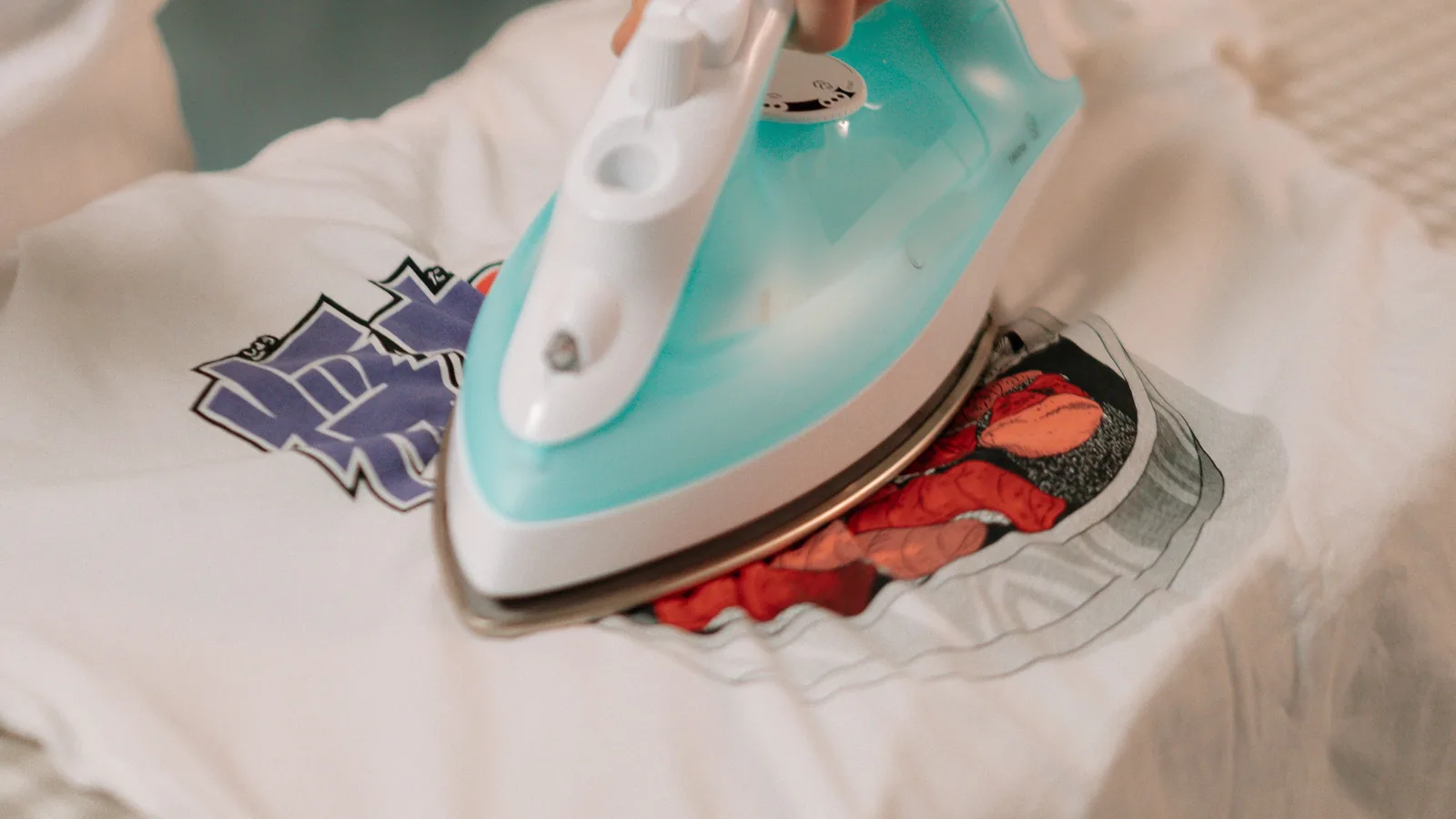
How do you apply HTV with a household iron?
Three makers give iron figures, and they differ:
- Siser EasyWeed: set the dial between Cotton and Linen. Use a hard, flat surface, not an ironing board. Press each section 10-15 seconds with medium to firm pressure, and don’t slide the iron.
- Cricut Everyday Iron-On: use the Cotton/Linen setting with steam off. Press 25-30 seconds, then flip the fabric and press the back for 25-30 seconds more. Peel when cool.
- Silhouette Smooth: stay under 300°F on the Cotton setting. Press 45-60 seconds with firm pressure.
Siser doesn’t recommend a home iron at all for its Puff lines. For which machine cuts which vinyl, see Cricut vs Silhouette.
What if the vinyl lifts or won’t stick?
The makers point to the same few causes:
- Peeled too soon or too late: Cricut says the wrong peel timing may stop the design from sticking. Check whether the line is a hot, warm or cool peel.
- Not enough pressure: with a handheld press, Siser suggests moving to a lower, sturdy surface to lean in harder. It warns that tile pulls heat away, so a wooden board works better.
- A soft pressing surface: an ironing board gives too much. A towel needs the higher setting from Cricut’s Heat Guide.
- An unwashed blank: Cricut says prewashing without fabric softener removes chemicals that can weaken the bond.
For small lifted spots, Siser’s fix is to cover the design and press again for 5-10 seconds.
How do you wash and dry heat transfer vinyl?
The care rules agree on the big points and differ on the details.
- Wait before the first wash: 24 hours at Siser, Cricut and Silhouette. Stahls’ care text doesn’t state a wait.
- Inside out: all four makers say to turn the garment inside out.
- Water temperature: Siser’s EasyWeed page says cold. Its printable chart says warm or cold for EasyWeed. Silhouette says warm. Cricut and Stahls’ don’t give one.
- Dryer: Siser says normal for EasyWeed but low for most other lines, and hang dry for Vernice. Cricut says tumble dry inside out. Stahls’ says a normal dryer setting. Silhouette says low heat or hang dry.
- Bleach, dry cleaning and softener: Siser, Cricut and Stahls’ all say no bleach. Siser, Stahls’ and Silhouette rule out dry cleaning. Siser also rules out liquid fabric softener.
When the care rules differ, follow the line’s own sheet. For a gift, copy the care line onto a tag. Beginner Cricut projects has ideas to start with.
How do you stay safe around a heat press?
A press plate sits at 250°F to 330°F for these jobs, and it stays hot after use. Stahls’ Hotronix manual warns that burns can occur when touching hot metal parts, and says not to touch the heated platen. It calls for close supervision near children. The CPSC says children 2 and under face the most risk of burns from hot surfaces.
Keep hands clear of the upper plate as it closes; the Hotronix manual says the pressure can hurt. Don’t leave a press unattended while it’s plugged in. Cricut says to return an EasyPress to its safety base when it’s not in use. If vinyl sticks to the plate, Cricut says to wipe it off with a thick rag and not to touch the plate.
For any line not covered here, follow the maker’s instructions printed with the roll or on its product page.
Sources
- Siser, EasyWeed product page
- Siser, HTV Application Instructions (September 17, 2025)
- Siser, Tips for Using the Cricut EasyPress with Siser HTV
- Siser, How to Prevent Heat Marks on Heat Sensitive Textiles
- Cricut, Heat Guide, EasyPress 2 and Autopress settings
- Cricut Help, Cricut Everyday Iron-On
- Cricut Help, Cricut EasyPress: Recommended settings
- Cricut Help, Cricut EasyPress Mat
- Cricut Help, Cricut EasyPress FAQ
- Cricut Help, How to use Cricut EasyPress
- Stahls’, CAD-CUT Premium Plus
- Stahls’, Application Instructions
- Stahls’, CAD-CUT Heat Transfer Vinyl Reference Guide
- Stahls’ Hotronix, Swinger and Draw Press Operator’s Manual
- Silhouette, Smooth Heat Transfer Material data sheet
- Silhouette, Glitter Heat Transfer Material data sheet
- U.S. Consumer Product Safety Commission, Burn Safety Awareness on Playgrounds (Publication 3200)
Each source was read on November 10, 2026.